INDEX / How To: Assess Benefit Risk for Business Outcomes
Step 1: Go to Benefit Risk Tab
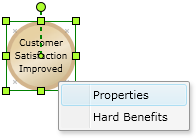
Right click the proper Business Outcome and click the "Properties" option.After that, click the "Benefit Risk" Tab.
Step 2: Assign Benefit Risk values
Assess the potential risk for each one of the Sources of Risk (rows).Every source needs to be assessed, even by selecting the option “Not Applicable”.
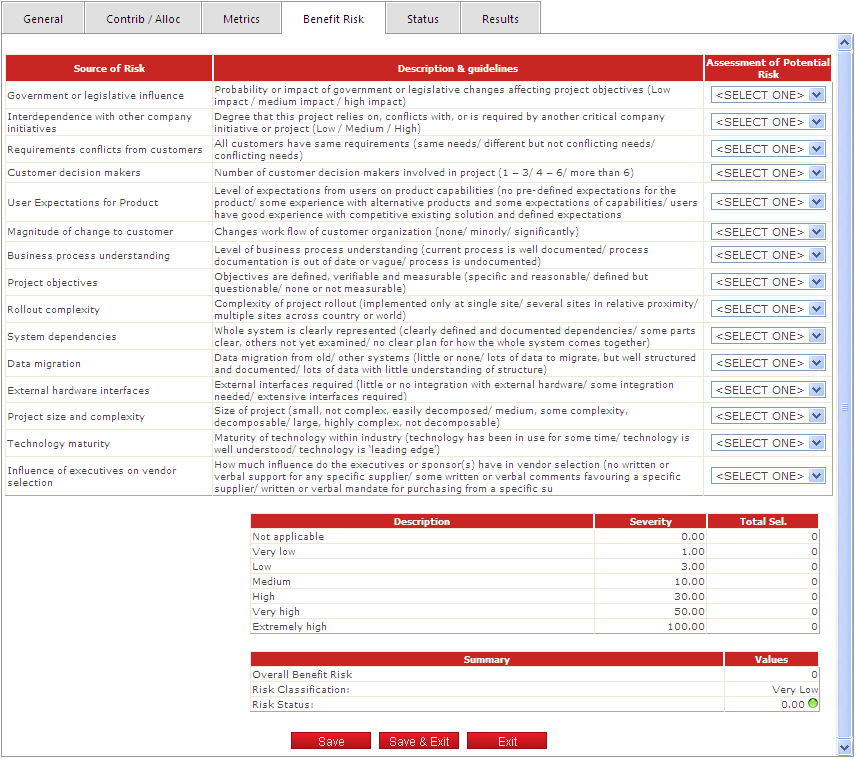
Click the "Save" button to apply the changes.