INDEX / How To: Capture Investment for Initiatives
Step 1: Go to Estimate Investment Tab
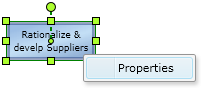
Right click the proper Initiative and click the "Properties" option.After that, click the "Investment" Tab.
Step 2: Assign Investment values
Set the proper values in every field.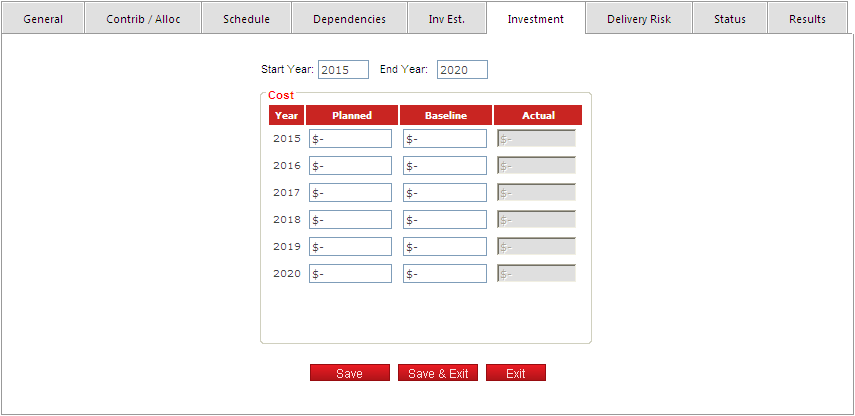
Consider the following rules for each field:
| Header | |
|---|---|
| Field | Description |
| Start Year | Begin of the investment for the current initiative. |
| End Year | End of the investment for the current initiative. |
| Detail List | |
|---|---|
| Field | Description |
| Year | Year of the investment. |
| Planned | Planned value is the most current estimate we have for the investment. This can be updated monthly, even weekly. |
| Baseline | Baseline value for the investment, usually when the initiative is approved, or after a major change or replanning. |
| Actual | Actual value for the investment, usually updated yearly, once actual values are available after closing the fiscal year. |
Click the "Save" button to apply the changes.