INDEX / How To: Estimate Benefits from Financial Outcomes
Step 1: Go to Benefit Risk Tab
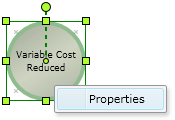
Right click the proper Financial Outcome and click the "Properties" option.After that, click the "Benefit Risk" Tab.
Step 2: Assign Benefit Risk values
Set the proper values on every field of the "Assessment of Potential Risk" column.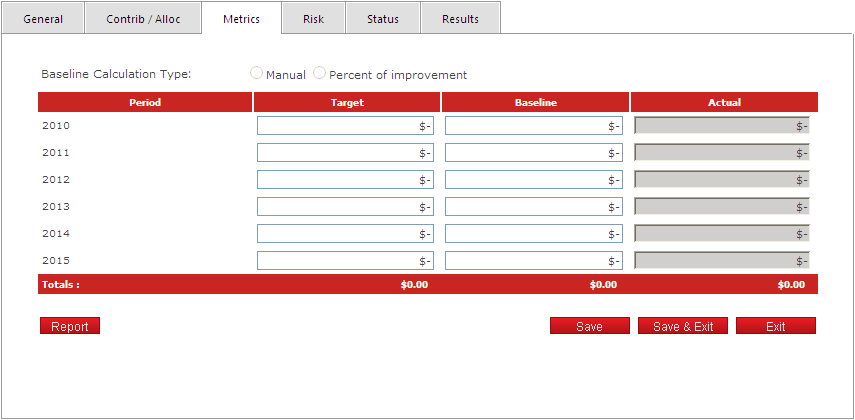
Consider the following rules for each field:
| Header | |
|---|---|
| Field | Description |
| Baseline Calculation Type | Calculation Type. It has two values: Manual and Percent of improvement. |
| Detail List | |
|---|---|
| Field | Description |
| Period | Period |
| Target | Target |
| Baseline | Variance |
| Actual | Actual |
Click the "Save" button to apply the changes.
Note: The "Report" button prints the "Estimate Financial Outcomes" report on a PDF file.