INDEX / How To: Views of the Results Chain
To Change the view of the Result Chain, go to the "View" option on the RCh menu and select the proper view:
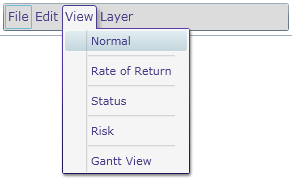
- Normal
- Default view. Shows the RCh.
- Rate of Return
- Shows the Rate of Return view.
- Status
- Shows the Status view.
- Risk
- Shows the Risk view.
- Gantt View
- Shows the Gantt View view.