INDEX / How To: Define Programs
1. Select the Business Outcome associated to the Program
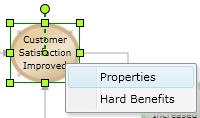
2. Right click the Business Outcome to display the context menu.
3. Click on the "Properties" option.
4. Click the "Create" button next to the "Program:" field on the "General" tab.

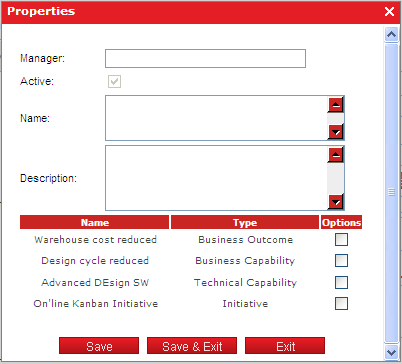
5. Fill all the fields on the screen and select the capabilities, initiatives and even other business outcomes that are part of the program, then click the "Save & Exit" button.